Whole sentences only
A second pass adds the missing setup or payoff before a clip is kept.
New: post titles and hashtags for every clip
Podcasts, gaming streams and talking-head videos become captioned 9:16 clips that never cut mid-sentence.
PodcastsGaming streamsInterviewsTalking headsTikTokYouTube ShortsInstagram Reels
Other clipping apps
Fullstop
A second pass adds the missing setup or payoff before a clip is kept.
One face is followed, two people on camera get a split screen.
On streams, mark your facecam once: it sits on top, the game below.
Bold, clean or minimal, in Anton, Bebas, Poppins or Bangers.
Click the first and last word in the transcript and re-render one clip.
A search-friendly title, a description and 5 hashtags for every clip.
A YouTube link or a file up to 3 hours. Pick podcast or gaming.
It transcribes, finds whole ideas, drops repeats and frames the speaker.
1080 × 1920 MP4s with captions and post text, one by one or as a ZIP.
Split screen when both of you are on camera, the speaker followed when not.
Loud moments count, even with little talking. Facecam on top, gameplay below.
Solo videos cut into whole thoughts, captioned in your font.
Each word lights up as it is said. Pick a look here and it carries over to your link above.
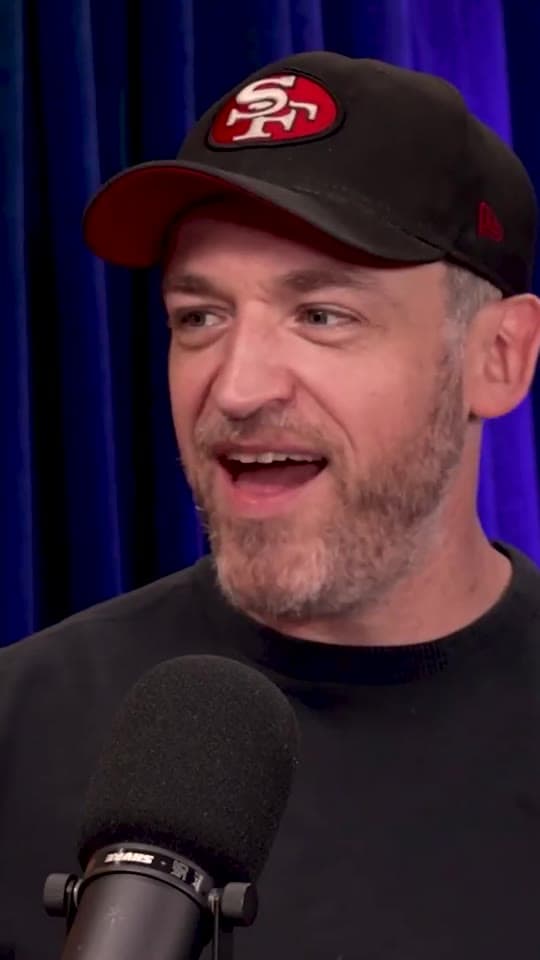
fake magic tricks for tips
I would do fake magic tricks
During the beta, new accounts get 30 minutes of video a day for their first 3 days. Failed videos never count, and beta members will get paid plans at a discount.
Podcasts, gaming streams, interviews and talking-head videos: an MP4, MOV, MKV or WebM file up to 3 hours and 4 GB, or a YouTube link.
Not always. YouTube sometimes blocks downloads. When it does, we show you how to get the file and upload it instead, with your settings kept.
A 1080 × 1920 MP4 with burned-in captions, an SRT caption file, and a post title, description and 5 hashtags. Download clips one by one or all as a ZIP.
Yes. Click the first and last word in the transcript to trim it, change the captions or layout, and re-render just that clip.
30 days. Download the ones you want to keep before then.
30 free minutes a day for your first 3 days. Failed videos never count.
Paste a link